Adjustable, personal and focused Your Mediaflow start page just got better
Per Erséus
31 March 2026
When you log in to Mediaflow, you want to get started right away, not spend time clicking through folders, searching for the right content, or trying to remember where you were last.
Mediaflow's homepage is designed to give you a more personal experience with smarter content based on your work. It helps you work more focused, get started faster, and gain a better overview—all in one place.
A Homepage That Adapts to You
The new homepage is more visual, flexible, and personal. Using widgets, you can customize the content to match how you actually work. Want to quickly access the right material, see what's happened, or continue where you left off? It's now easier right from the start.
At the top of the page, you're greeted with a personal view featuring a welcome message, your organization's logo, and cover image. This makes the homepage a natural and recognizable starting point for your entire team.
Faster Access to What You Use Most
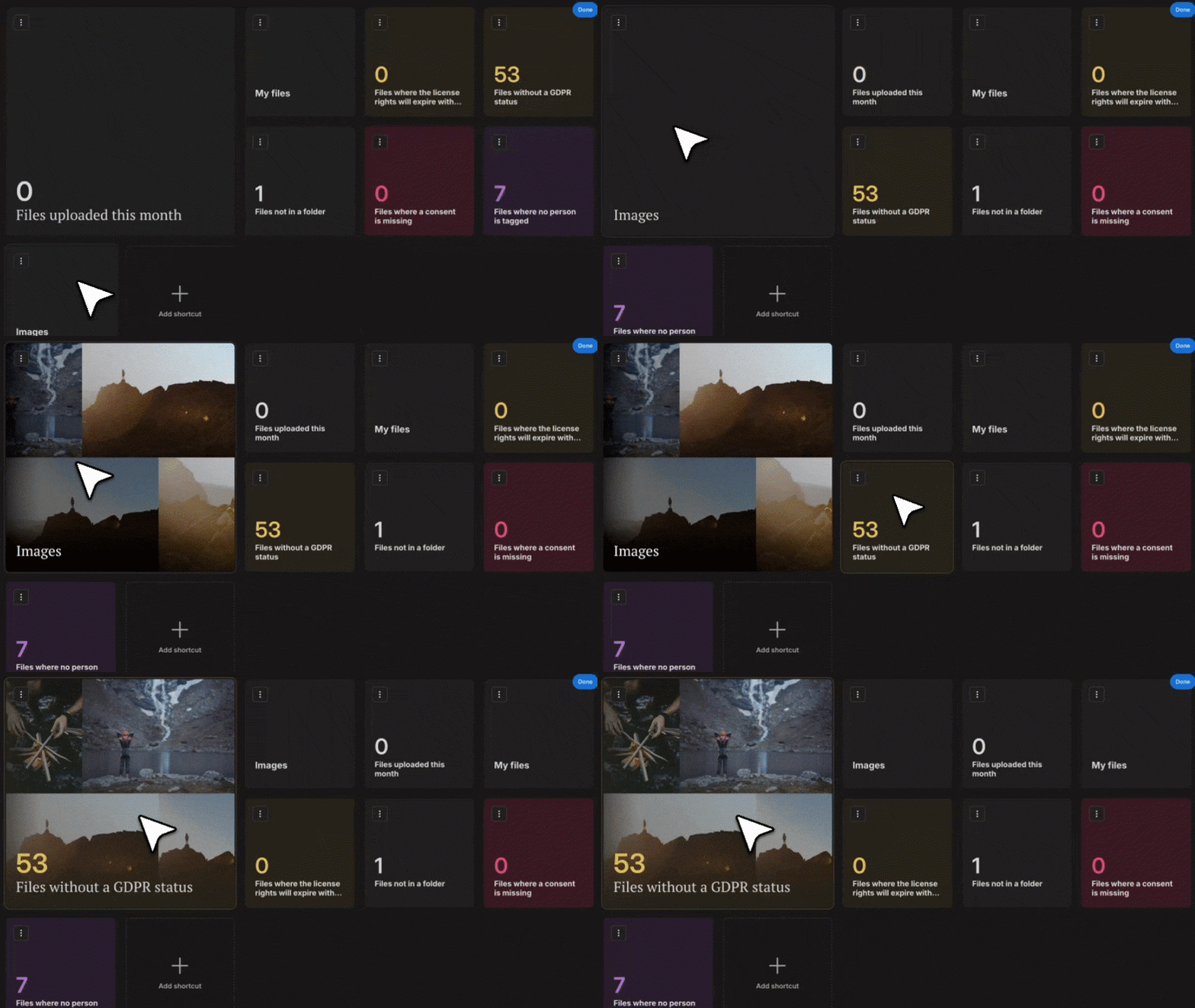
You probably have some places in Mediaflow that you return to more often than others—a specific folder, a Smart Folder, or a Collection. With the new homepage, you can customize shortcuts to exactly the views you need.
The main shortcut displays a dynamic preview, so you can immediately see what's there and jump straight into your work. We believe you'll spend less time searching and get a faster start.
Tailor the view to your workflow
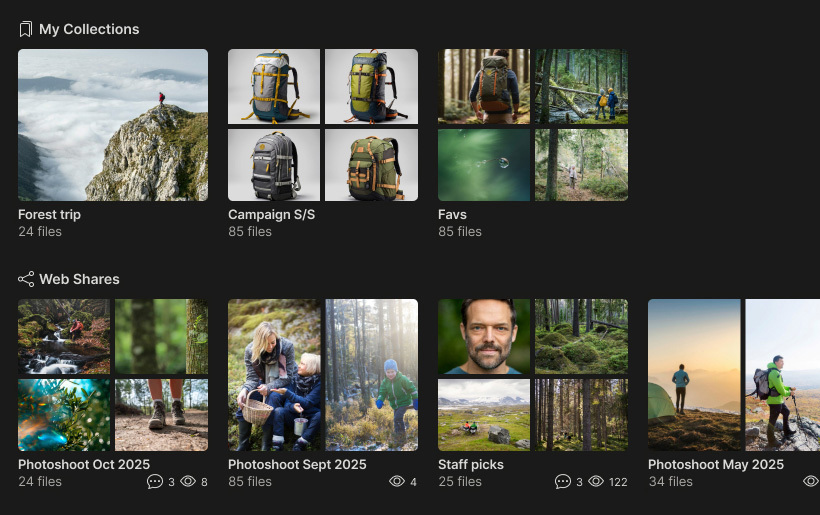
Web Shares and Collections at a glance
Continue Where You Left Off
The homepage highlights what you're already working with. Your personal collections are close at hand, and you get a clear overview of your recent Web Links, including activity and engagement. It's easy to pick up work where you left it and quickly see what's current.
Stay up to date with platform updates and news
Stay Informed—Right Away
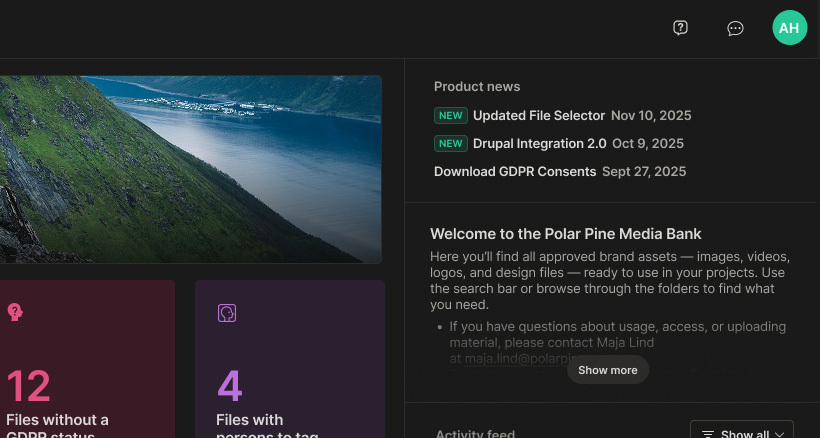
Mediaflow is continuously evolving, but it's not always easy to see what's new or changed. That's why the homepage has a built-in area for updates. Here we gather news, improvements, and important changes, so you can quickly get an overview without leaving the interface.
A Clearer Place for Internal Communication
Mediaflow should be a central hub for your daily work and collaboration with digital content—and that means important information needs to reach you. On the new homepage, internal messages are presented in a cleaner and more focused way, with the option to access more details when you need them.
Per Erséus
Video Specialist at Mediaflow with a background in tv-journalism and video production
Creativity and making things are often associated with freedom. Having space to experiment, think differently and work without constraints. Yet too little structure can, in practice, make creativity harder to achieve.
Since 2 August 2026, the EU AI Act has required that AI-generated and AI-manipulated content be clearly labelled. This applies above all to so-called deepfakes: images, audio and video created or altered with AI in a way that makes them appear authentic. It doesn't have to involve people; it could just as easily be a place, an environment or an event that looks real to the viewer.
We spoke with product manager John Robertsson about the features that have already launched and those still to come during the rest of 2026. After a run of releases early in the year, he promises the pace keeps climbing.